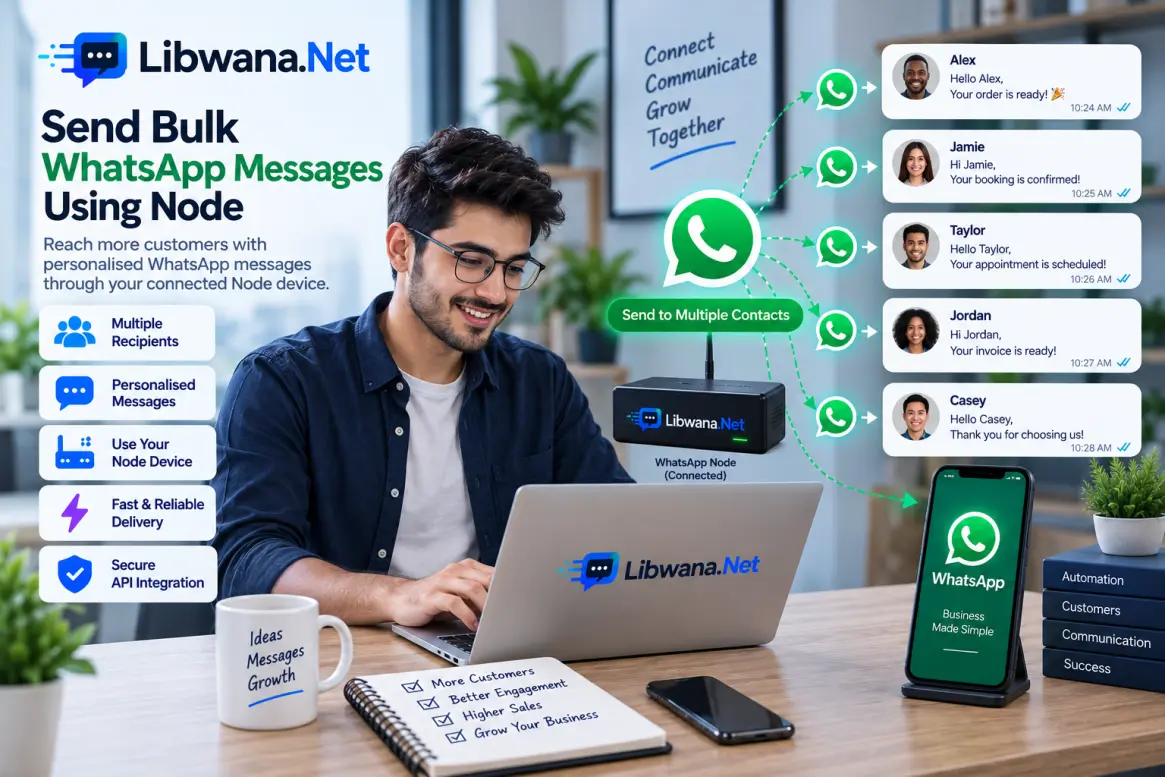
Send Bulk WhatsApp Messages Using Node
Send personalised WhatsApp text messages to multiple recipients from your application, CRM, website, or backend system through a connected Libwana.Net WhatsApp Node device.
Before sending, get your API key from User Panel → Communication → API and keep it securely on your server.
Connect an active and accessible WhatsApp Node device before making the API request.
method: node and add multiple recipients
inside the contact array. Each contact can have
its own phone number and personalised message.
WhatsApp Node does not require a Meta Cloud template.
Message text can be supplied directly in the
message field.
API Endpoint
https://libwana.net/api/whatsapp/send
Required Headers
YOUR_API_KEY
application/json
application/json
Windows CMD Example
curl.exe -X POST "https://libwana.net/api/whatsapp/send" -H "Api-key: YOUR_API_KEY" -H "Accept: application/json" -H "Content-Type: application/json" --data-raw "{\"method\":\"node\",\"contact\":[{\"number\":\"15551234567\",\"message\":\"Hello Alex, your order is ready.\"},{\"number\":\"15557654321\",\"message\":\"Hello Jamie, your order is ready.\"},{\"number\":\"15559876543\",\"message\":\"Hello Taylor, your order is ready.\"}]}"Request Fields
| Field | Description |
|---|---|
method
|
Use node when sending through
a connected WhatsApp Node device.
|
gateway_identifier
|
Optional top-level Libwana.Net Node gateway UID when you want to select a specific Node gateway. |
contact
|
An array containing multiple WhatsApp recipients. |
number
|
Recipient phone number including the appropriate country code. |
message
|
The personalised WhatsApp text for that recipient. |
Selecting a Node Gateway
If multiple Node gateways are available, you may specify
their Libwana.Net UID using a top-level
gateway_identifier.
If you do not specify one, the preferred or default accessible Node gateway can be selected.
Send Bulk Messages From Your Application or CRM
Your backend or CRM can dynamically build the
contact array and submit multiple recipients
in one API request.
Each contact can contain a different number and message, allowing personalised WhatsApp communication.
Your application should prevent duplicate events, respect recipient consent, and handle API errors appropriately.
Send Bulk Messages Using Contact Groups or CSV
You can also use imported contacts and Libwana.Net WhatsApp Campaigns for bulk Node messaging.
/api/whatsapp/send endpoint accepts a
contact array. A CSV file or Contact Group ID
is not used directly as the JSON request body.
Node Sending Requirements
Keep the Node session connected and accessible while sending.
Sending performance can depend on the connected account, device availability, and applicable WhatsApp sending limits.
Check WhatsApp Message Status
Use the returned message ID to check the WhatsApp status.
/api/get/whatsapp/MESSAGE_ID
Include your Api-key and
Accept: application/json
headers when checking the status.
Ready to send bulk WhatsApp messages?
Connect your WhatsApp Node device and start sending with Libwana.Net