Send One WhatsApp Cloud Template
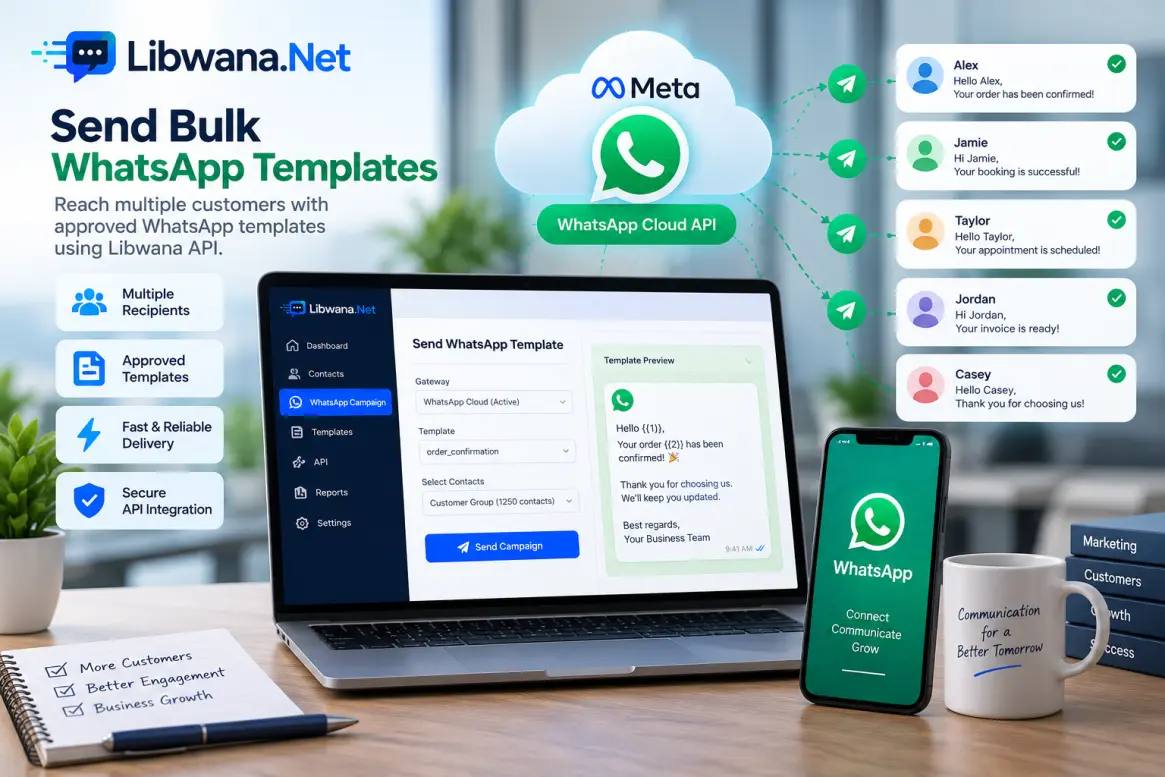
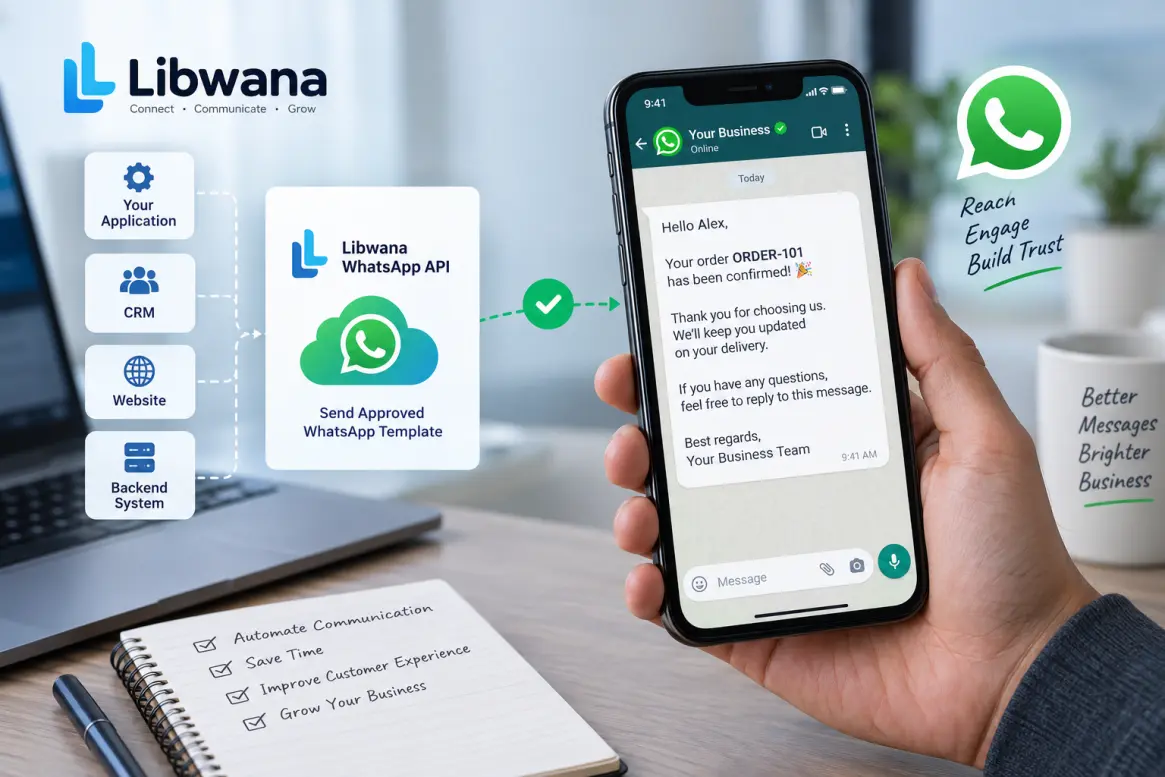
Send one Meta-approved WhatsApp template from your application, CRM, website, or backend system using the Libwana.Net WhatsApp API.
Before sending, get your API key from User Panel → Communication → API and keep it securely on your server.
Configure and activate your WhatsApp Cloud gateway and make sure the approved template is synced and active on the same gateway.
gateway_identifier must be the Libwana.Net Cloud gateway UID.
It is not the Meta WABA ID or WhatsApp phone-number ID.
The template_identifier must exactly match an approved,
active template available on the selected Cloud gateway.
API Endpoint
https://libwana.net/api/whatsapp/send
Required Headers
YOUR_API_KEY
application/json
application/json
Windows CMD Example
curl.exe -X POST "https://libwana.net/api/whatsapp/send" -H "Api-key: YOUR_API_KEY" -H "Accept: application/json" -H "Content-Type: application/json" --data-raw "{\"method\":\"cloud\",\"gateway_identifier\":\"YOUR_CLOUD_GATEWAY_UID\",\"template_identifier\":\"YOUR_APPROVED_TEMPLATE_NAME\",\"contact\":[{\"number\":\"15551234567\"}]}"Windows CMD Example(gateway_identifier(optional))
curl.exe -X POST "https://libwana.net/api/whatsapp/send" -H "Api-key: YOUR_API_KEY" -H "Accept: application/json" -H "Content-Type: application/json" --data-raw "{\"method\":\"cloud\",\"template_identifier\":\"YOUR_APPROVED_TEMPLATE_NAME\",\"contact\":[{\"number\":\"15551234567\"}]}"Request Fields
| Field | Description |
|---|---|
method
|
Use cloud for Meta WhatsApp Cloud API sending.
|
gateway_identifier(optional)
|
Remove [\"gateway_identifier\":\"YOUR_CLOUD_GATEWAY_UID\",] from curl If you don't have as it is optional,The Libwana.Net UID of the active WhatsApp Cloud gateway |
template_identifier
|
The exact approved template name synced to the selected gateway. |
contact
|
An array containing the WhatsApp recipient information. |
number
|
Recipient phone number including the appropriate country code. |
parameters
|
Required when the approved template contains variables. Supply values that match the template placeholders. |
Template Variables
If your approved template contains variables, provide matching
values inside the parameters object for each contact.
For example, a template with customer name and order number variables may use:
{
                                                                                                      "number": "15551234567",
                                                                                                      "parameters": {
                                                                                                        "body": ["Alex", "ORDER-101"]
                                                                                                      }
}parameters object.
Using It With Your Application or CRM
Trigger the request from your application's backend or workflow and map the recipient number and required template parameters into the request.
Your application should prevent duplicate events, respect recipient consent, and handle API errors appropriately.
Important Cloud Template Rules
The selected template must belong to the same active Libwana.Net
Cloud gateway specified by gateway_identifier.
If Libwana.Net reports that the template does not belong to the selected gateway, verify the gateway UID, template name, approval status, synchronization, and activation.
Check WhatsApp Message Status
After sending, use the returned message ID to check the WhatsApp status.
/api/get/whatsapp/MESSAGE_ID
Include your Api-key and
Accept: application/json headers when checking status.
Ready to send a WhatsApp template?
Connect your Meta Cloud gateway and start sending with Libwana.Net