Send Bulk SMS Messages
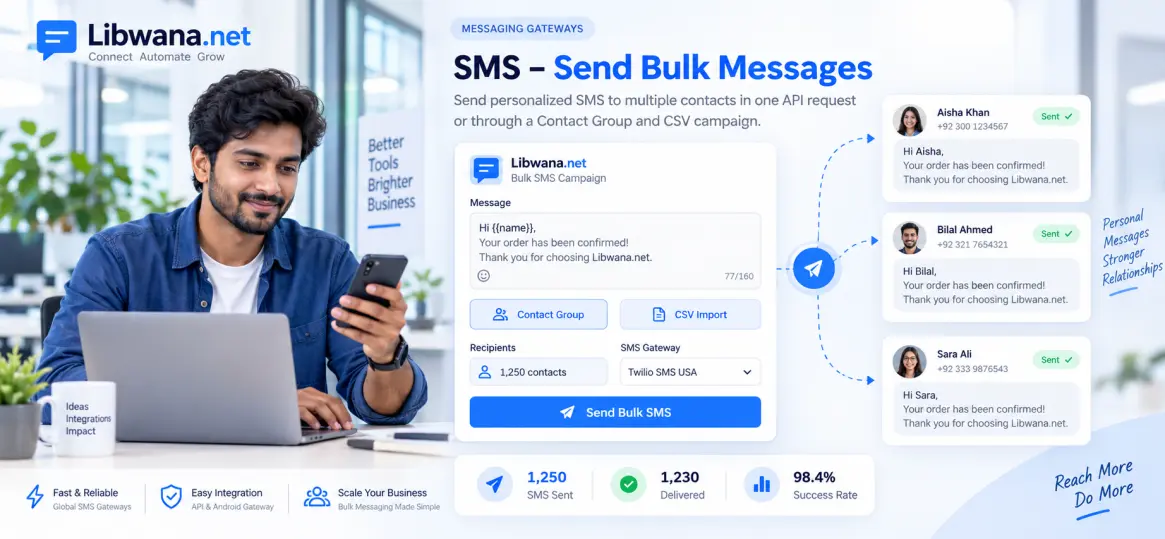
Send multiple personalised SMS messages from your application, CRM, website, or backend system using the Libwana.Net SMS API.
Before sending messages, get your API key from User Panel → Communication → API and keep it securely on your server.
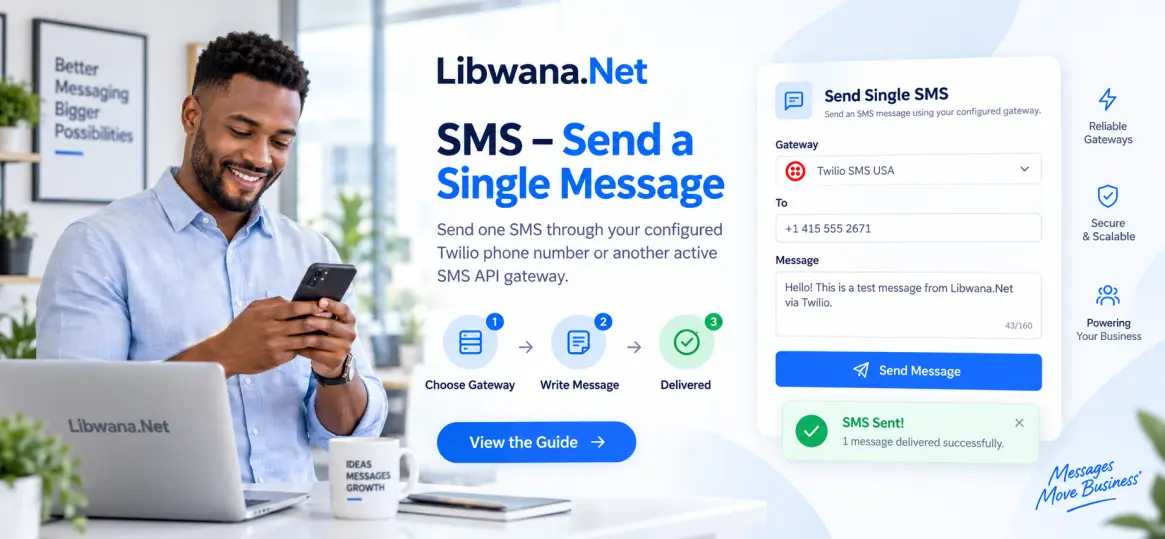
Make sure you have an active plan, sufficient credits, and an active SMS API gateway such as Twilio.
Each contact in the request can have its own phone number and personalised message.
The sender phone number is configured inside your SMS gateway settings and should not be added directly to the request body.
API Endpoint
https://libwana.net/api/sms/send
Required Headers
YOUR_API_KEY
application/json
application/json
Windows CMD Example
curl.exe -X POST "https://libwana.net/api/sms/send" -H "Api-key: YOUR_API_KEY" -H "Accept: application/json" -H "Content-Type: application/json" --data-raw "{\"method\":\"api\",\"contact\":[{\"number\":\"15551234567\",\"message\":\"Hello Alex, your order is ready.\",\"sms_type\":\"plain\"},{\"number\":\"15557654321\",\"message\":\"Hello Jamie, your order is ready.\",\"sms_type\":\"plain\"},{\"number\":\"15559876543\",\"message\":\"Hello Taylor, your order is ready.\",\"sms_type\":\"plain\"}]}"Request Fields
| Field | Description |
|---|---|
method
|
Use api when sending through your
configured Twilio or another SMS API gateway.
|
contact
|
An array containing multiple SMS recipients. |
number
|
Recipient phone number including the appropriate country code. |
message
|
The SMS message for that individual recipient. |
sms_type
|
Use plain for a standard text SMS.
|
Send Bulk SMS From Your Application or CRM
Your backend or CRM can build the contact array
dynamically and submit multiple recipients in one API request.
Each contact can contain a different phone number and a personalised message.
Never expose your Libwana.Net API key in browser JavaScript or frontend application code.
Your application should prevent duplicate events, respect recipient consent, and handle API errors appropriately.
Send Bulk SMS Using Contact Groups or CSV
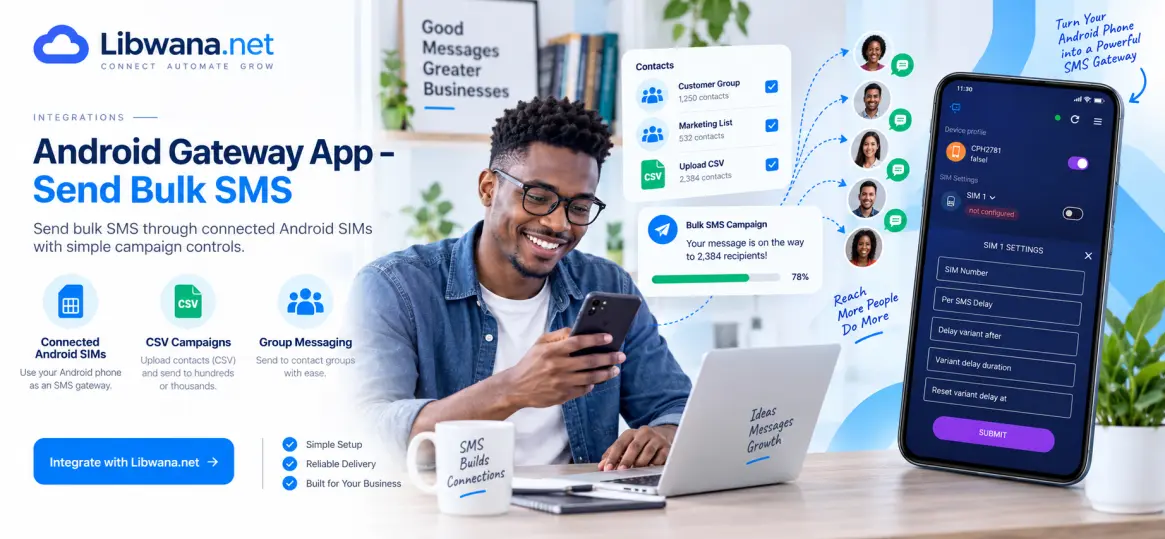
You can also send bulk SMS without manually building an API request by using Libwana.Net Contact Groups and SMS Campaigns.
/api/sms/send endpoint accepts a
contact array. It does not accept a CSV file
or Contact Group ID directly.
If you are using an external CRM, your CRM must read or parse the CSV data and construct the individual contact objects before calling the API.
Check Message Status
Use the returned message ID to check the SMS status.
/api/get/sms/MESSAGE_ID
Include your Api-key and
Accept: application/json
headers when checking the status.
Ready to send bulk SMS?
Get your API key and connect your application with Libwana.Net