
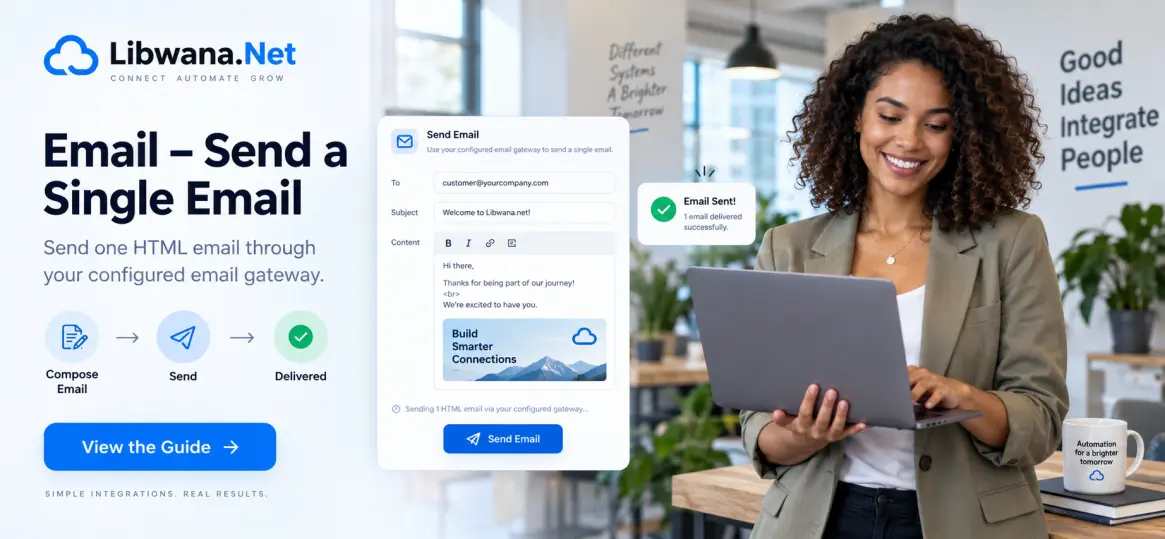
Send a Single Email Using SendGrid
Send a single HTML email from your application, CRM, website, or backend system using the Libwana.Net Email API.
Before sending email, get your API key from User Panel → Communication → API and keep it securely on your server.
Configure an active Email gateway such as SendGrid, verify the required sender or domain, and select the gateway under Communication → API.
If you need to send through a specific gateway, add its Libwana.Net
gateway_identifier inside the contact object.
API Endpoint
https://libwana.net/api/email/send
Required Headers
YOUR_API_KEY
application/json
application/json
Windows CMD Example
curl.exe -X POST "https://libwana.net/api/email/send" -H "Api-key: YOUR_API_KEY" -H "Accept: application/json" -H "Content-Type: application/json" --data-raw "{\"contact\":[{\"email\":\"alex@example.com\",\"subject\":\"Your order update\",\"message\":\"

                        Hello Alex, your order is ready.

                    \",\"sender_name\":\"Your Business\",\"reply_to_email\":\"support@example.com\"}]}"
Request Fields
| Field | Description |
|---|---|
contact
|
An array containing the email recipient information. |
email
|
The recipient's email address. |
subject
|
The subject line of the email. |
message
|
The HTML content of the email. |
sender_name
|
The sender name displayed to the recipient. |
reply_to_email
|
The email address where recipient replies should be sent. |
gateway_identifier
|
Optional Libwana.Net gateway UID used when selecting a specific Email gateway. |
Using It With Your Application or CRM
Trigger the HTTPS request from your application's backend, CRM workflow, or server-side process.
Map the customer's email address, subject, message, sender name,
and reply-to address into the contact array.
Your application should prevent duplicate events, respect recipient consent, handle errors, and use appropriate sending practices.
Check Email Status
After sending, use the returned message ID to check the Email status.
/api/get/email/MESSAGE_ID
Include your Api-key and
Accept: application/json headers when checking status.
Ready to send your first email?
Connect your SendGrid gateway and start sending with Libwana.Net