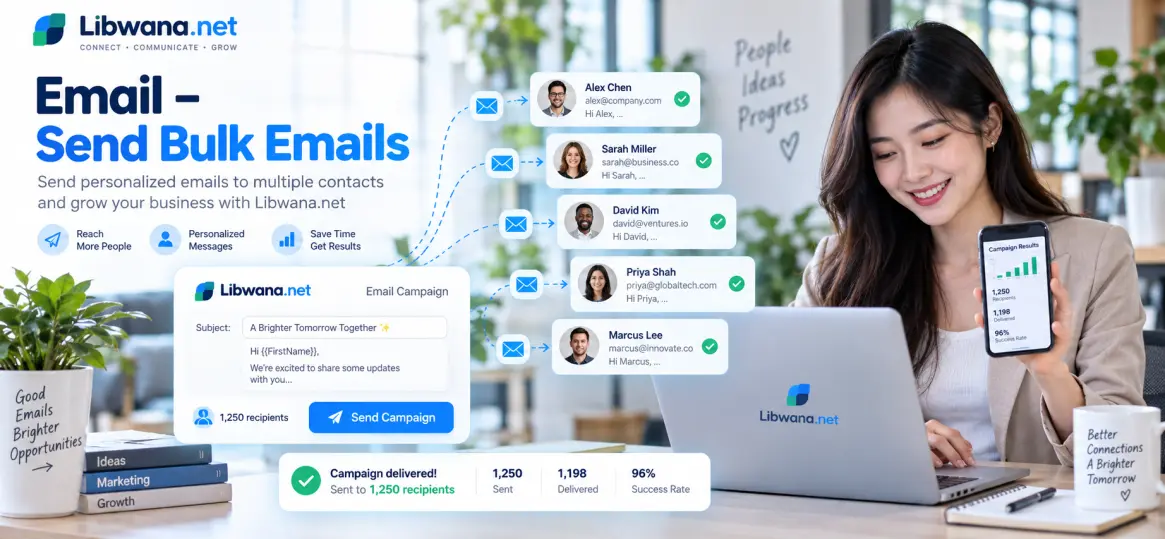
Send Bulk Emails Using SendGrid
Send personalised emails to multiple recipients from your application, CRM, website, or backend system using the Libwana.Net Email API.
Before sending emails, get your API key from User Panel → Communication → API and keep it securely on your server.
Configure an active Email gateway such as SendGrid, verify the required sender or domain, and select the gateway under Communication → API.
Each contact can have its own email address, subject, HTML message, sender name, and reply-to email address.
API Endpoint
https://libwana.net/api/email/send
Required Headers
YOUR_API_KEY
application/json
application/json
Windows CMD Example
curl.exe -X POST "https://libwana.net/api/email/send" -H "Api-key: YOUR_API_KEY" -H "Accept: application/json" -H "Content-Type: application/json" --data-raw "{\"contact\":[{\"email\":\"alex@example.com\",\"subject\":\"Your order update\",\"message\":\"

                        Hello Alex, your order is ready.

                    \",\"sender_name\":\"Your Business\",\"reply_to_email\":\"support@example.com\"},{\"email\":\"jamie@example.com\",\"subject\":\"Your order update\",\"message\":\"

                        Hello Jamie, your order is ready.

                    \",\"sender_name\":\"Your Business\",\"reply_to_email\":\"support@example.com\"},{\"email\":\"taylor@example.com\",\"subject\":\"Your order update\",\"message\":\"

                        Hello Taylor, your order is ready.

                    \",\"sender_name\":\"Your Business\",\"reply_to_email\":\"support@example.com\"}]}"
Request Fields
| Field | Description |
|---|---|
contact
|
An array containing multiple email recipients. |
email
|
The recipient's email address. |
subject
|
The email subject for that recipient. |
message
|
The HTML email content for that recipient. |
sender_name
|
The sender name displayed to the recipient. |
reply_to_email
|
The email address where replies should be directed. |
gateway_identifier
|
Optional Libwana.Net gateway UID when a particular Email gateway needs to be selected. |
Send Bulk Emails From Your Application or CRM
Your backend or CRM can dynamically create the
contact array and include several recipients in one request.
Each recipient can receive a personalised subject and HTML message.
Your system should prevent duplicate events, respect recipient consent, handle suppressions, and process API errors correctly.
Send Bulk Emails Using Contact Groups or CSV
You can also use Libwana.Net Contact Groups and Email Campaigns instead of building the API request manually.
contact array.
It does not accept a CSV file or Contact Group ID directly.
If an external CRM uses a CSV file, it must parse the file and construct the individual contact objects before calling the API.
Check Email Status
Use the returned message ID to check the Email status.
/api/get/email/MESSAGE_ID
Include your Api-key and
Accept: application/json headers when checking status.
Ready to send bulk emails?
Connect your Email gateway and start sending with Libwana.Net