Welcome Email for a New Student Family
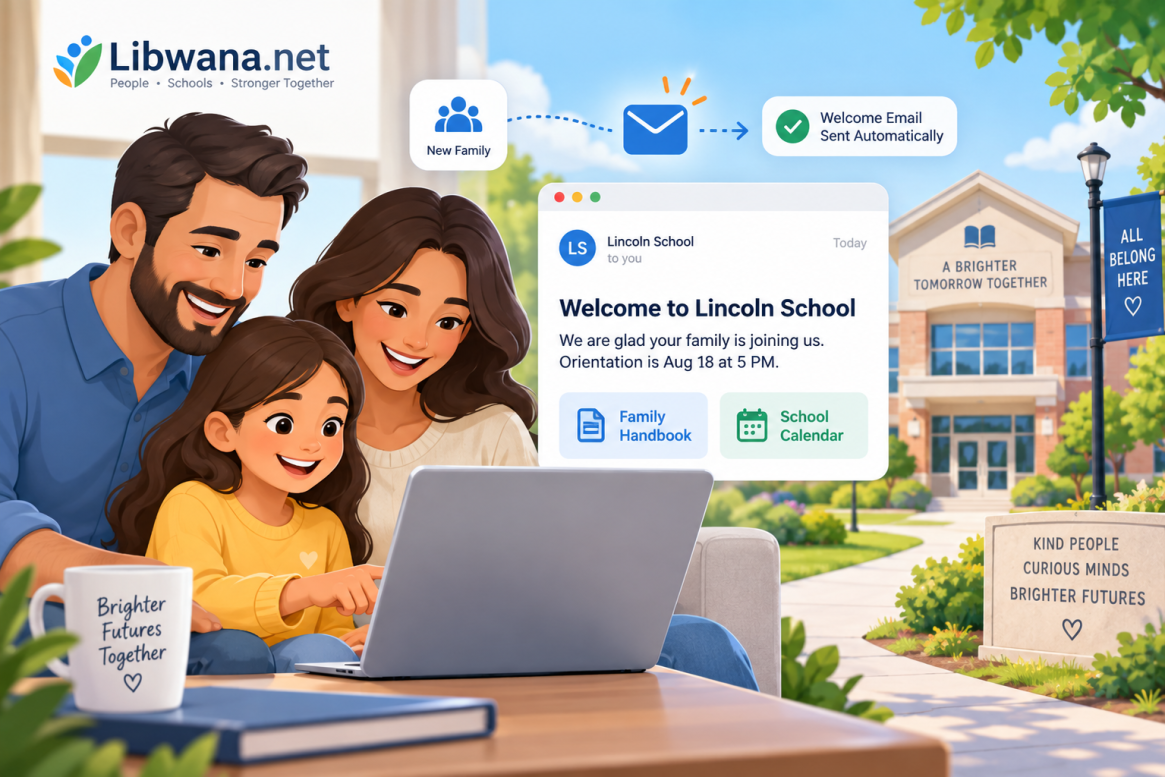
Give every new student family a clear and professional introduction to your school with automated welcome communication through Libwana.Net.
How It Works With Libwana.Net
During busy enrollment periods, staff may add many new families. Automating the first welcome email helps make sure important information is not accidentally missed.
Create a family contact group and configure a new-contact trigger with a send-email action. Add approved orientation details, office hours, first-day instructions, school calendar information, and useful resource links.
Keep communication organized, targeted, and easier to manage without sending the same message manually one contact at a time.
Example Message
We are glad your family is joining us. Orientation is Aug 18 at 5 PM. Find the handbook and school calendar at [approved link].
Before Sending
The new-contact trigger is for creation of a new contact, not simply moving an existing contact into a group. Avoid including unnecessary student-specific information in general welcome emails.
Automate Your Welcome Communication
Use Libwana.Net automations to make new-family communication more consistent.