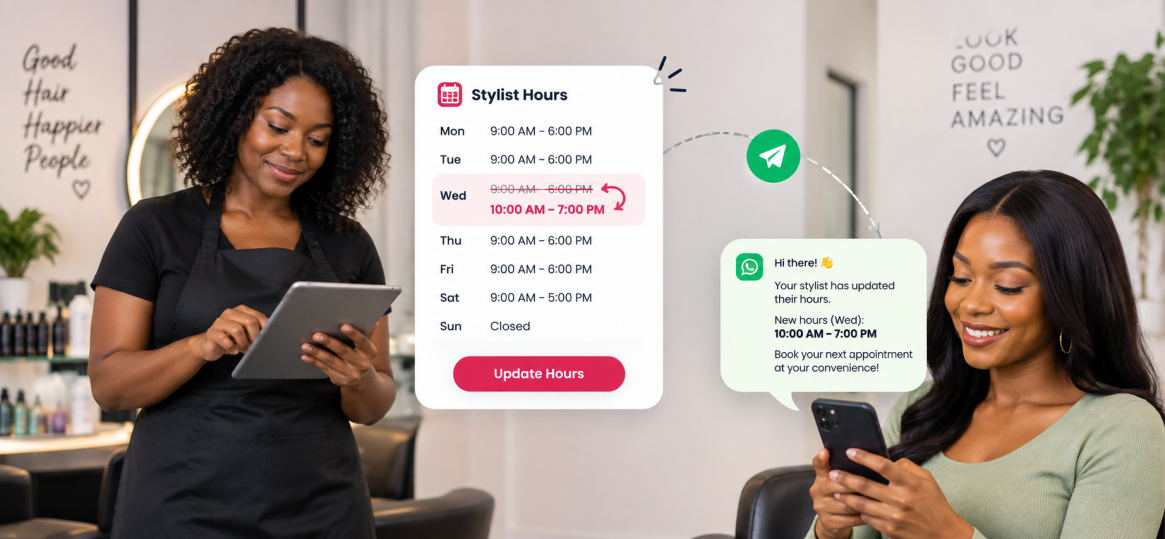
Notify Guests When a Stylist Changes Hours
Quickly inform affected customers when a stylist's availability changes using targeted communication through Libwana.Net.
How It Works With Libwana.Net
Identify the bookings affected by the schedule change and group only those customers.
Send an SMS or email explaining the change and provide the correct rebooking path. Reconcile customer responses against the booking calendar.
Why This Helps:
Keep communication organized, targeted, and easier to manage without sending the same message manually one contact at a time.
Keep communication organized, targeted, and easier to manage without sending the same message manually one contact at a time.
Example Message
Northside Salon: Maya is unavailable Sat, Apr 18. Please call 303-555-0102 to move your appointment. We apologize for the change.
Before Sending
Important
Do not send the notification to the entire customer list when only a small number of bookings are affected.
Keep Appointment Changes Clear
Use Libwana.Net to contact only the guests affected by a schedule change.